
Part of: 750+ Flat Design Templates Pack for PowerPoint
Create beautifully simple presentations. Create Online ready slides with these 100% editable templates. Instant Download.
Click on the slides below for larger preview
1 Curling arrow in PowerPoint
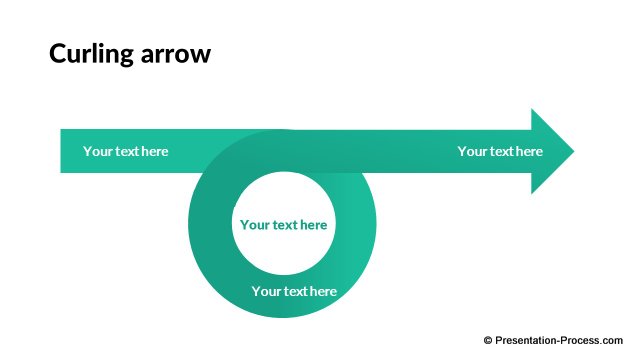
Description: Use these editable diverging and converging arrows in PowerPoint to showcase your business ideas. Use them to show related factors or ideas.
|
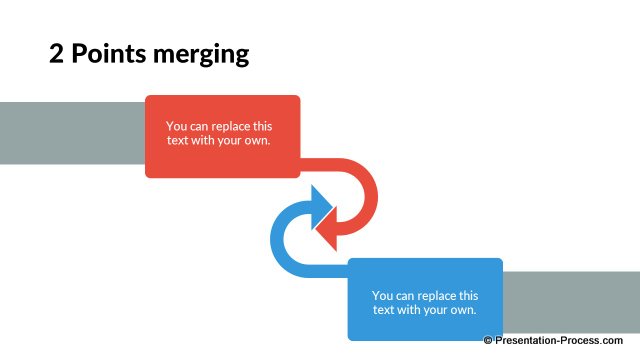
2 Points merging
|
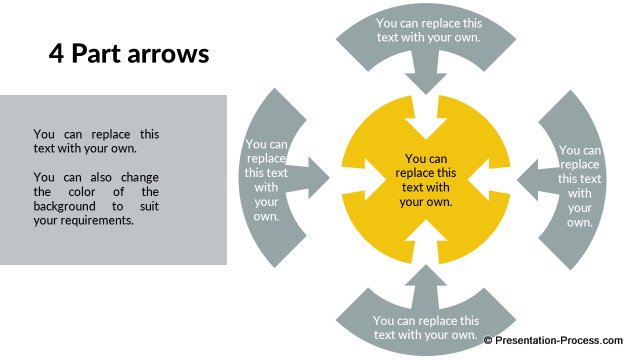
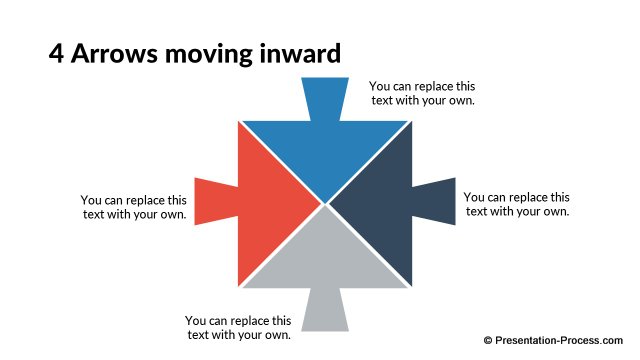
4 Part arrows
|
|
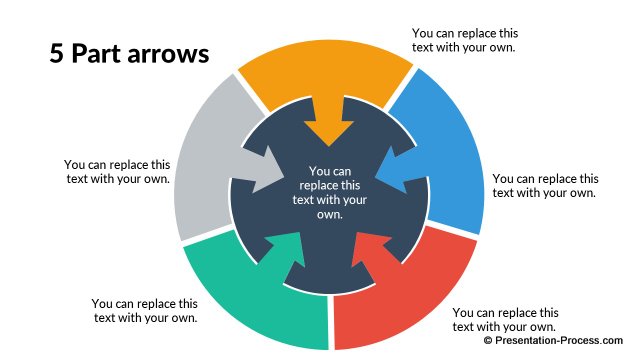
5 Part arrows
|
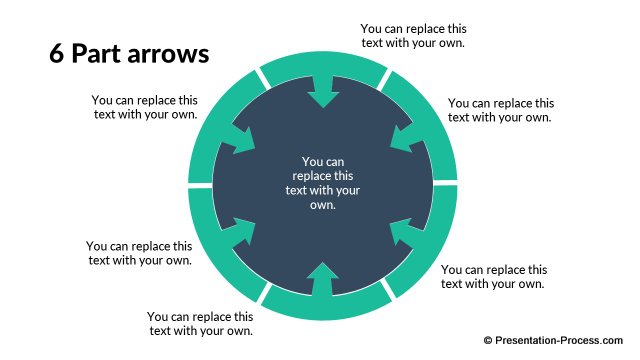
6 Part arrows
|
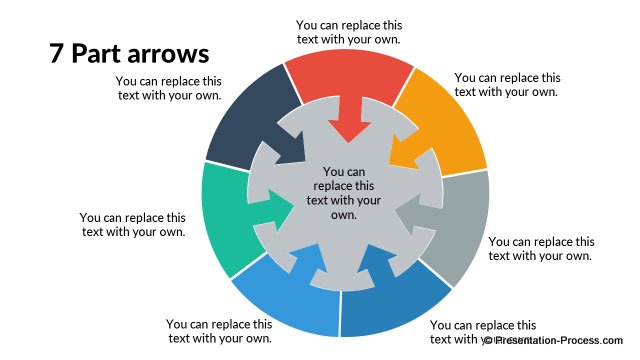
7 Part arrows
|
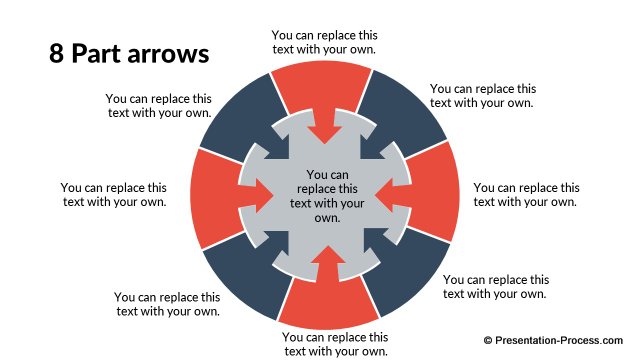
8 Part arrows
|
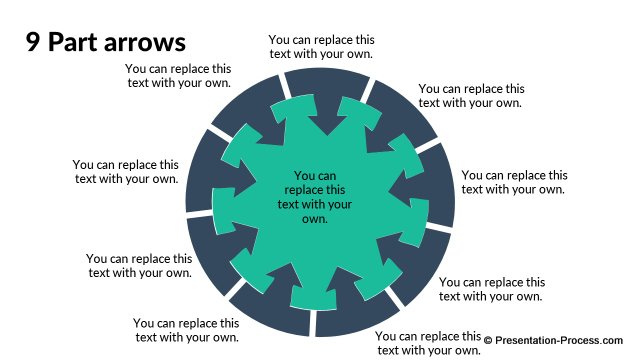
9 Part arrows
|
|
4 Contributing factors
|
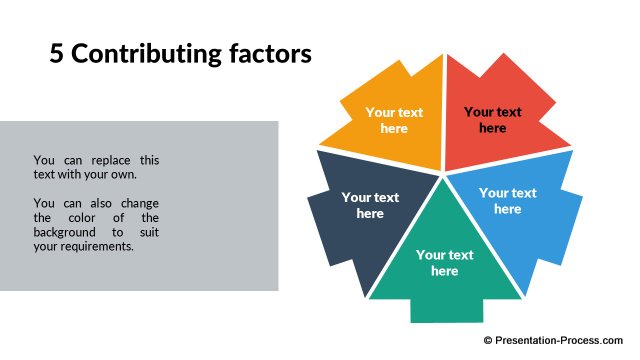
5 Contributing factors
|
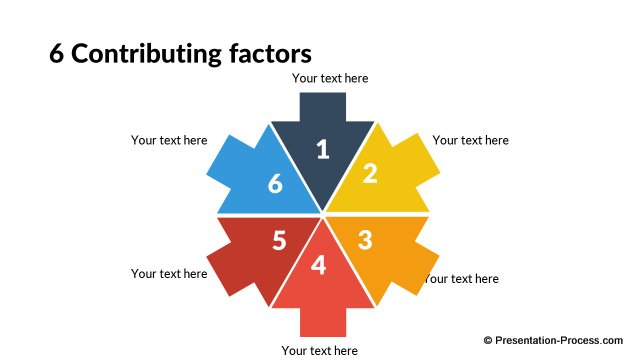
6 Contributing factors
|
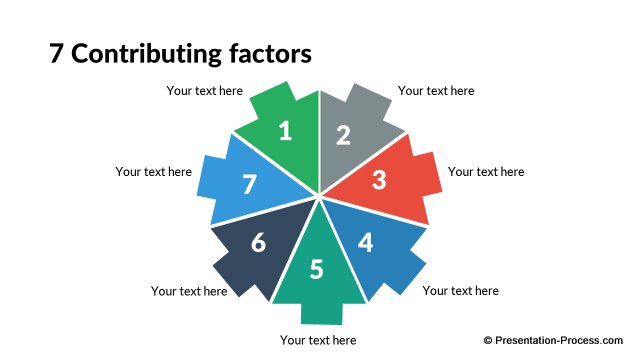
7 Contributing factors
|
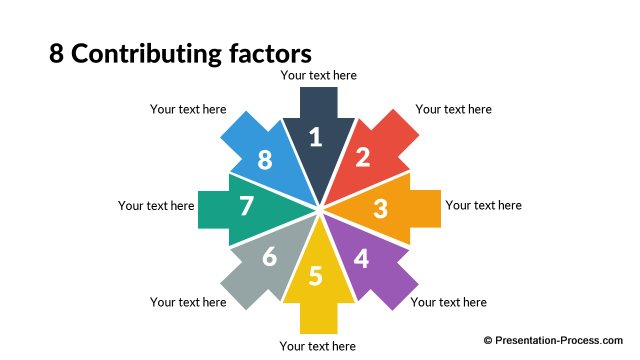
8 Contributing factors
|
|
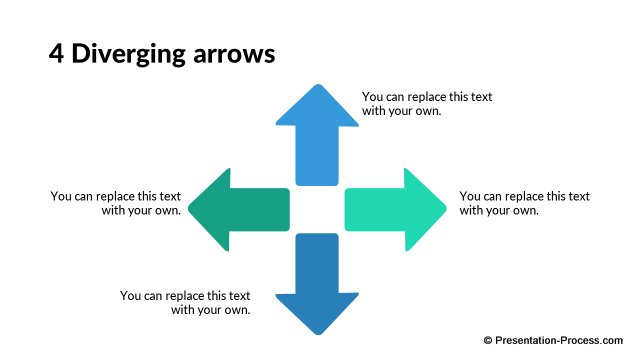
4 Diverging Arrows
|
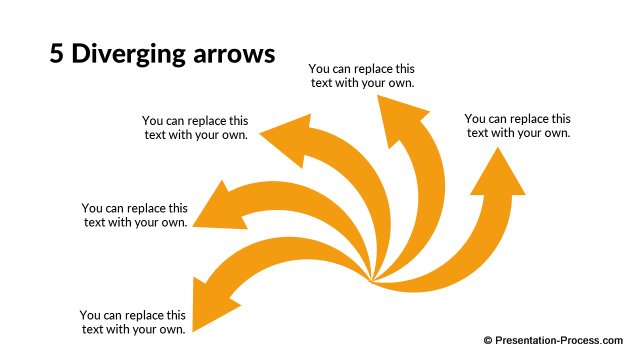
5 Diverging Arrows
|
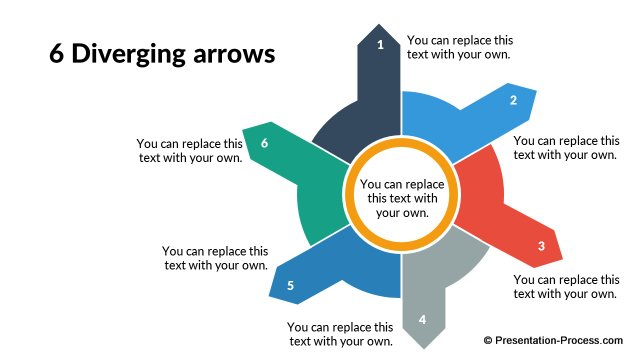
6 Diverging Arrows in PowerPoint
|
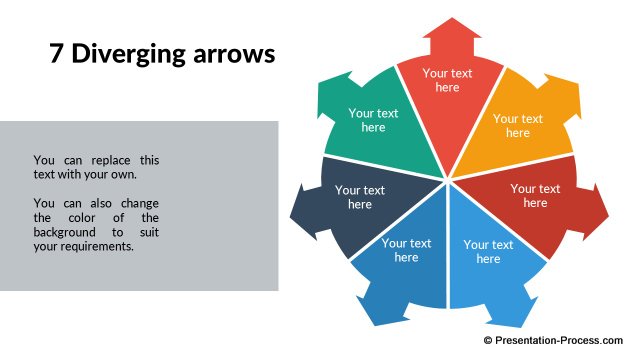
7 Diverging Arrows
|
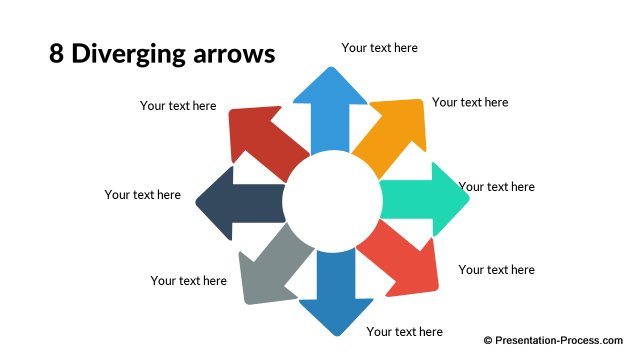
8 Diverging Arrows
|
|
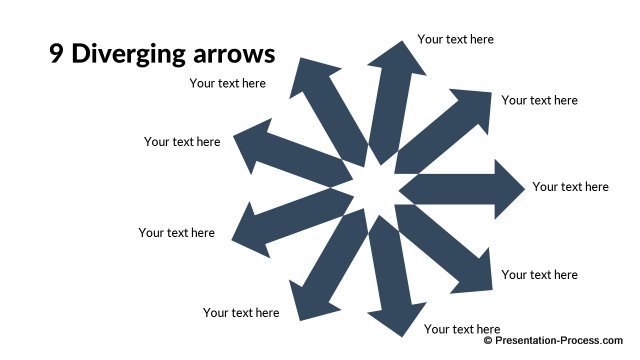
9 Diverging Arrows
|
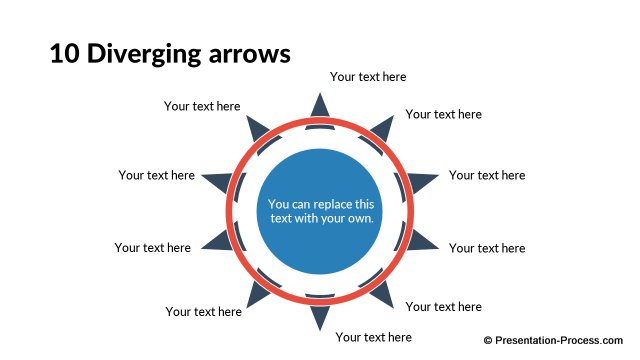
10 Diverging Arrows
|

Related Templates in Flat Design Pack
|
|
|
 |
 |