Presentation Process
  • Home
  • Tips & Tricks
  • PowerPoint Templates
  • Training Programs
  • Free E-Courses

In this PowerPoint Picture section, you’ll find tutorials and tips on using images, clipart, photos and backgrounds more effectively and creatively in your presentations.

ESSENTIAL PICTURE TOOLS in POWERPOINT

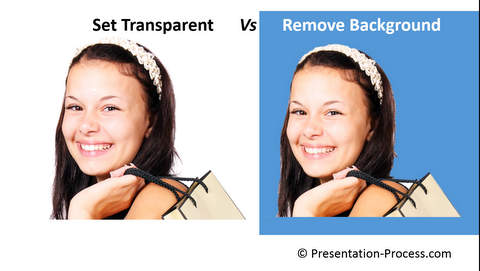
Set Transparent Background

Resize Pictures

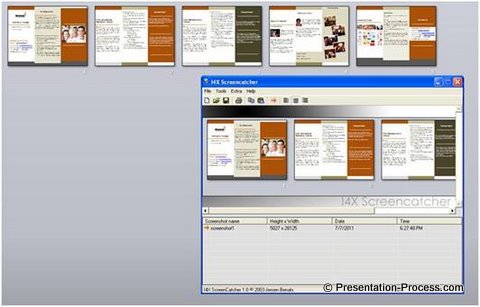
Clean up screenshots

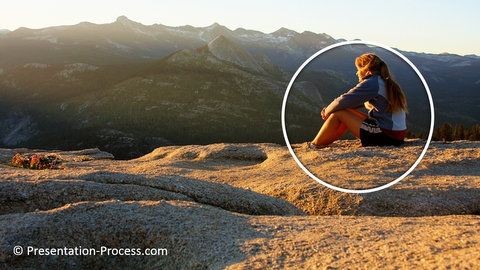
Circular Crop for Picture

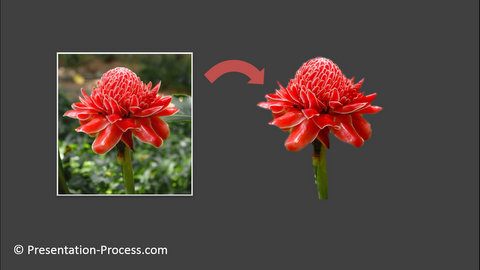
Remove Complex Background

Shortcut to Crop Pictures

CREATIVE PICTURE EFFECTS

Photoshop Effect

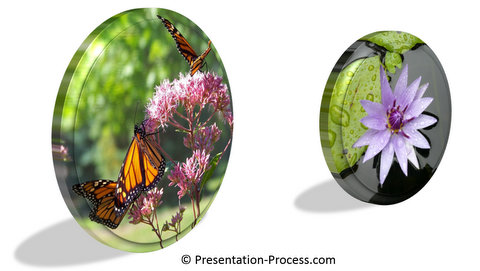
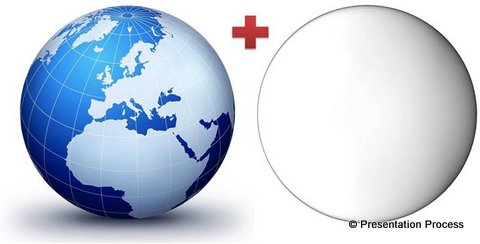
3D Picture Disc

Beautiful Photoframe

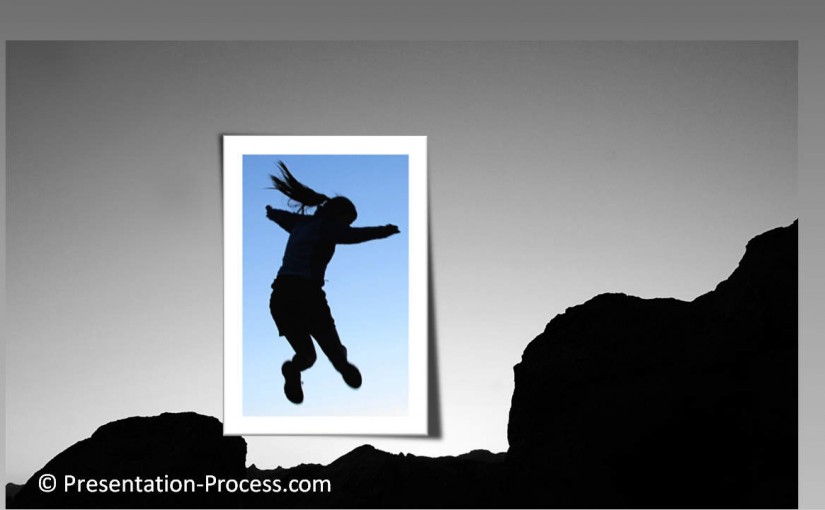
Picture Cutout Effect 

StickOn Picture Effect 

Picture Highlight Effect

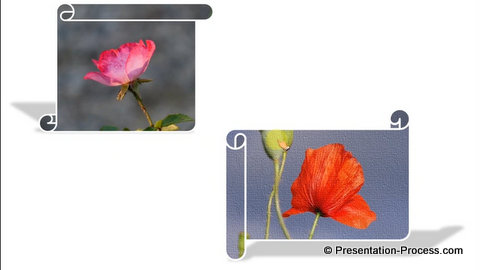
Picture Scrolling Effect 

Custom Picture Styles

Shiny Frame for Picture 

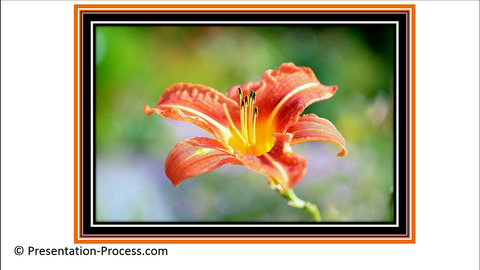
 Picture Borders

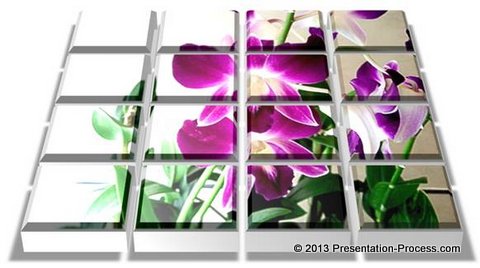
Picture Mosaic

Foreground Design

Texture Backgrounds

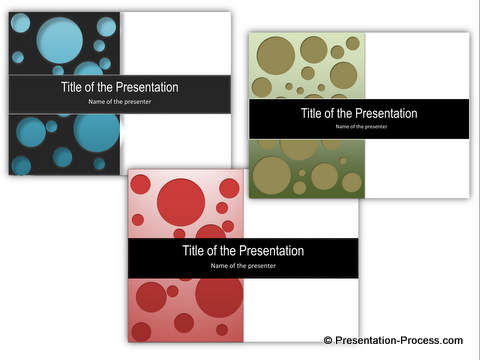
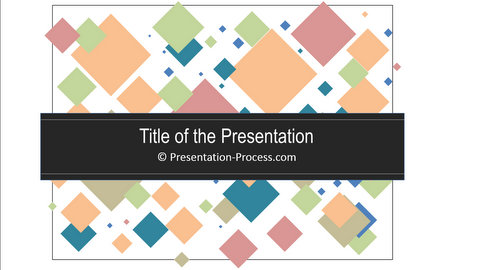
Title Slide Design

Full Page Picture

DISPLAY PICTURE CREATIVELY

 Artistic Picture Effects

Instagram Effect

Showcase Products

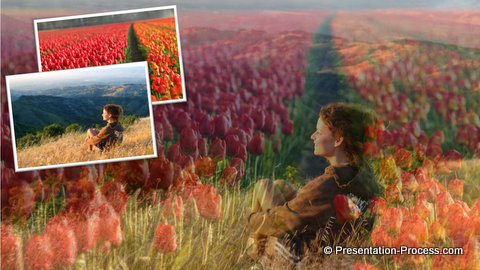
Merge like Photoshop

Picture Layering

Polaroid picture frame

Easy Picture Frame

Stack of Photos

Picture Mosaic

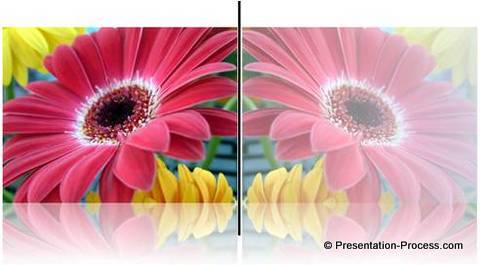
Mirror Image

More with WMF Clipart

Isolate Images

Bobble Head Image

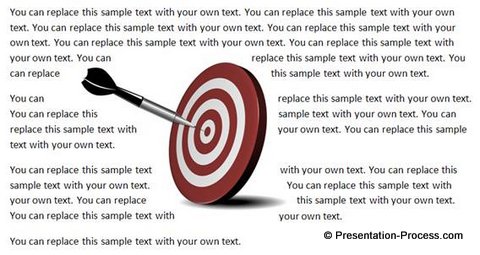
Wrap Text Around Picture

Picture & Text Layout

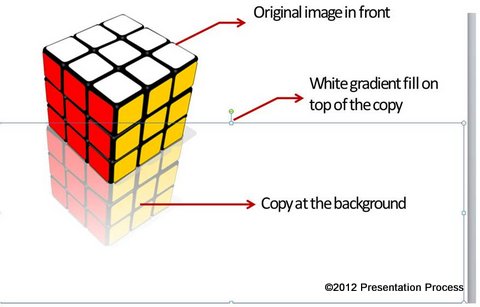
Reflection Effect

Highlight Image Effect

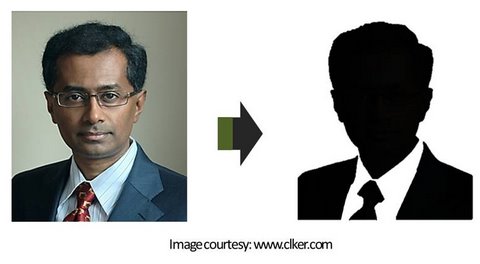
Create Your Own Silhouette

SOLVING COMMON ISSUES WITH IMAGES

Using Screenshots

How to Avoid Distorted Images

5 tips for Images

Ridiculous way to use Pictures

Wrong ways to use visuals

Wrong ways to use pictures

Full Page Images Issues

Tips to Insert Pictures

  • HOME
  • About Us
  • Contact Us
  • Privacy Policy
  • Terms of Service
  • Affiliates
  • DMCA Protected

follow us: