
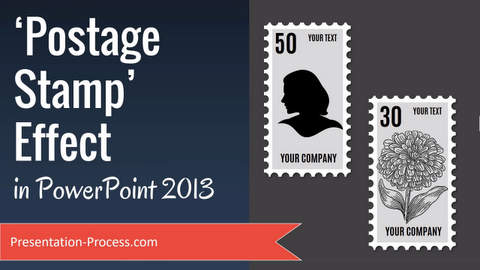
In this video tutorial, you’ll learn how to create postage stamp effect in PowerPoint. You can follow this effect in PowerPoint 2013, 2016 or higher
You can follow this tutorial in other versions of PowerPoint as well.
This is a useful effect to showcase any important image like photo of the CEO, new product etc.
Click play to watch the video below.
Link to Ramgopal’s PowerPoint Mastery Training Program mentioned in this video >>
To create this graphic the main task is to duplicate and create the elements required for the edges of the postage stamp.
Following the steps helps to understand how to use duplicate, group, and shape merge functions.
Hope you found this tutorial on how to create Postage stamp effect in PowerPoint useful. If you did, please do share your feedback below.