
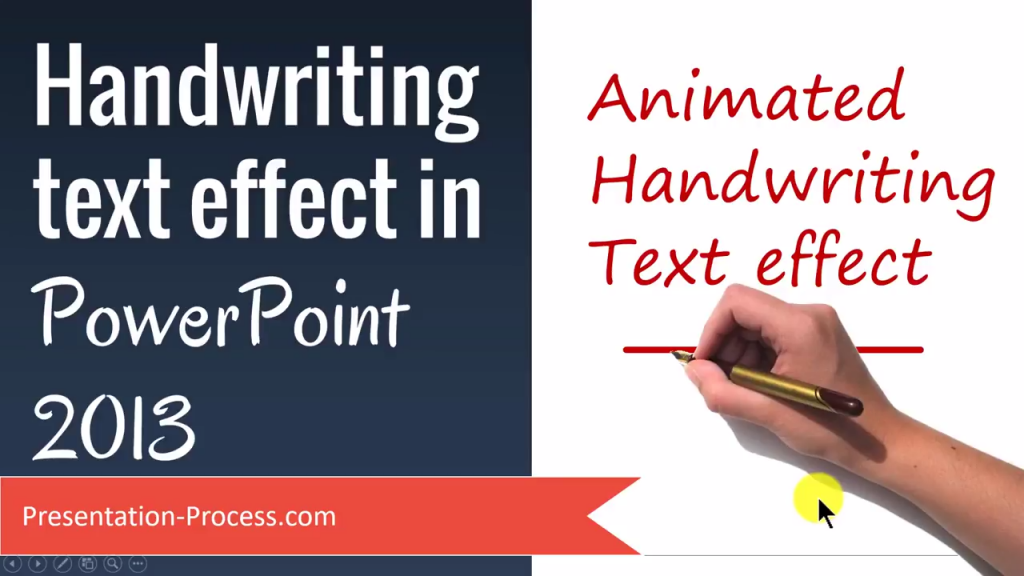
Learn how to create a realistic looking handwriting effect in PowerPoint. It looks like the effects created by whiteboard animation software like Videoscribe.
Find the trick to sync the text animation with the hand movement to make the writing effect look realistic.
We use a combination of Fade and custom Motion Path animation effects.
The font used in this video is Segoe Print.
This screencast video is created by Ramgopal from Presentation Process.com