
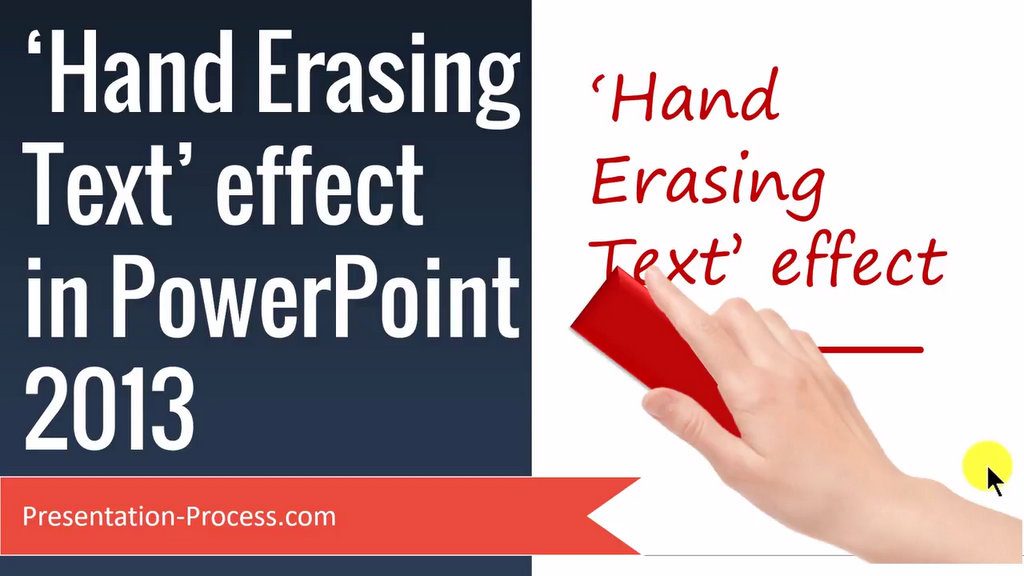
Learn how to create this interesting Hand Erasing Text Effect PowerPoint Animation. This is a great effect to keep your audience engaged in your presentation.
What you will need to follow this tutorial:
1. Any Handwriting style font (that will be erased)
2. Any picture with a hand with an eraser.
The Tools covered in this PowerPoint Tutorial are as follows:
– PowerPoint Exit Animation
– Customize Animate Text to ‘By Letter’ animation
– Change delay of animation between letters
– Change Animation Duration
– Add Motion Path animation to picture
– How to Preview animations