
Part of Hand Drawn Pack
300+ Editable Hand Drawn Graphics Templates for PowerPoint
This pack over 300+ editable PowerPoint Graphics including Agenda, Pros and cons, Bulleted and Numbered Lists, Timelines, Roadmaps , Linear Processes , Circular Processes, consulting models, business concepts and more…
Presentation Agenda Templates
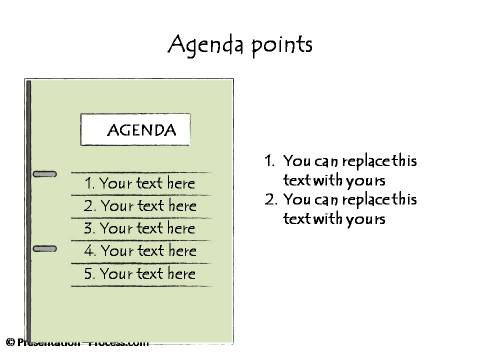
Agenda shown as Meeting Folder
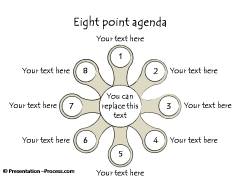
Points to be discussed around a central theme | 8 Point List
 |
 |
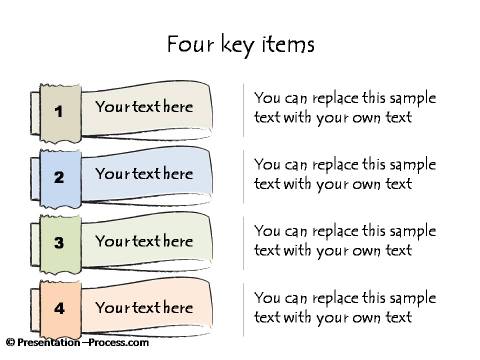
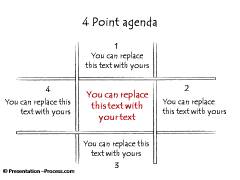
Four Key Items for discussion
Agenda as a Signboard | String of Questions to be addressed
 |
 |
Circular List of Points for discussion
Agenda with Point Highlighted | Creative List
 |
 |
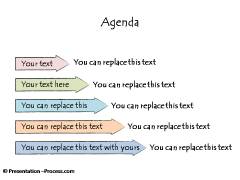
Creative Ways to Present Meeting Points
 |
 |
4 Different Breadcrumbs or Navigation tabs
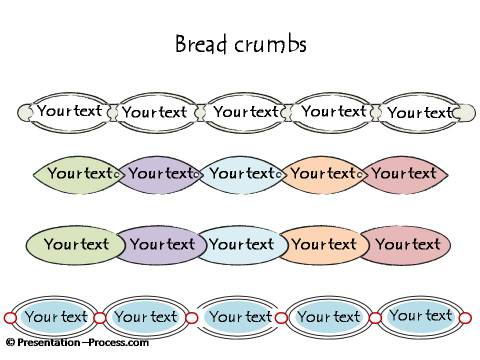
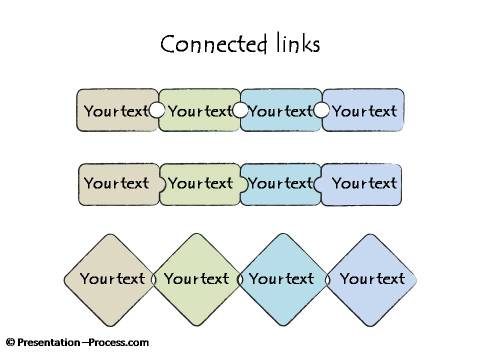
Connected Links for Navigation
Bulleted and Numbered Lists
Detailed Hand Drawn Graphic of Numbered List
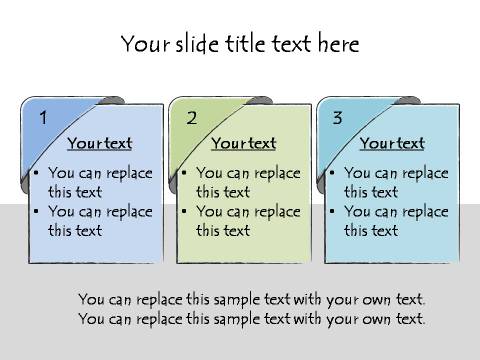
Four Points with Text Description | 3 Points with Titles
 |
 |
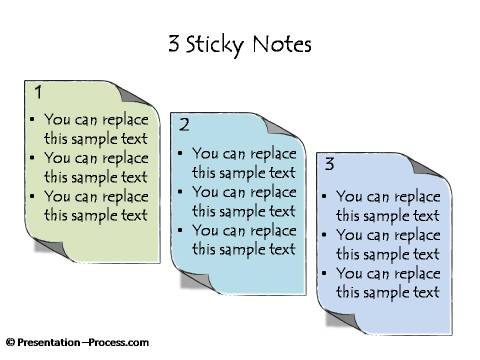
Three Numbered Hand Drawn Sticky Notes
Key Points around a Core Idea
 |
 |
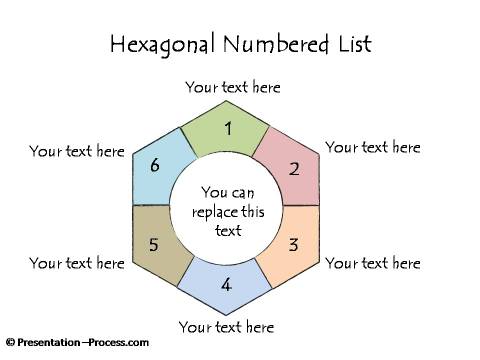
Hexagonal Numbered List
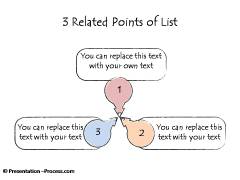
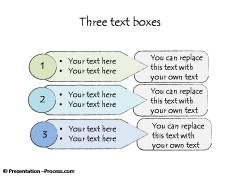
Three Related Points | Numbered Text Boxes
 |
 |
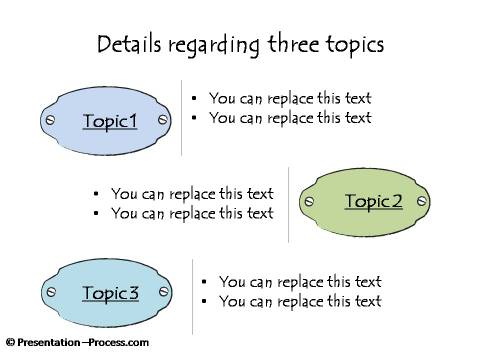
Details regarding 3 Topics
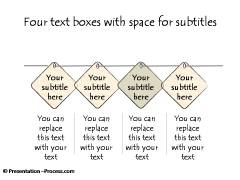
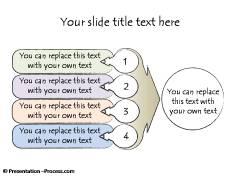
4 Connected Bullet Points and Numbered Lists
 |
 |
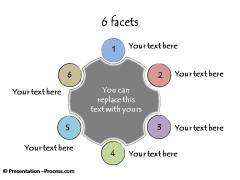
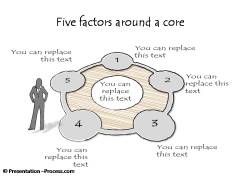
6 Facets | Factors around a core
 |
 |
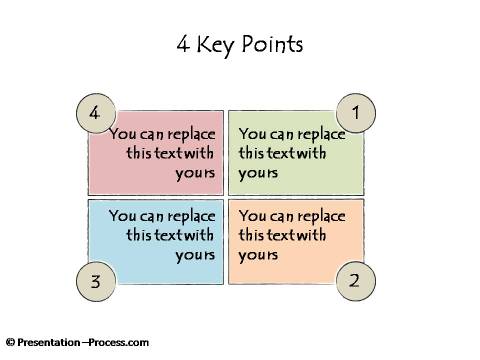
4 Key Points Highlighted
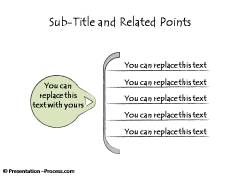
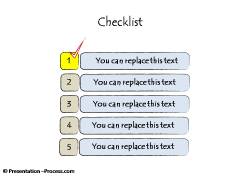
Sub-title and Related Points | Checklist
 |
 |
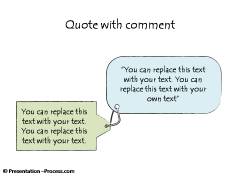
Quote and Picture with Comment
 |
 |
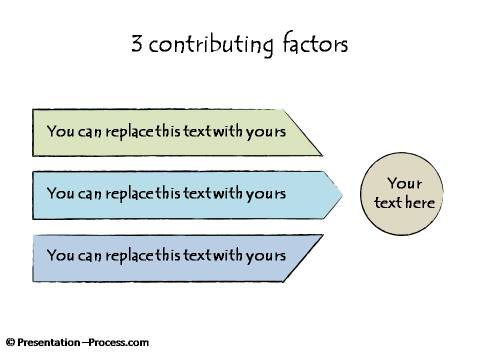
3 Contributing Factors
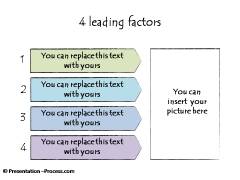
4 Contributing Factors | Numbered list with Picture Frame
 |
 |
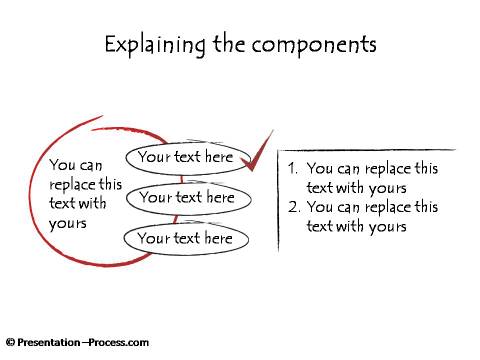
Hand Drawn Sketch: Explaining Components
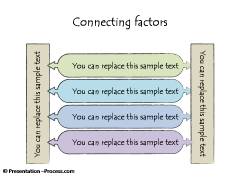
Connected Factors | Leading Factors
 |
 |
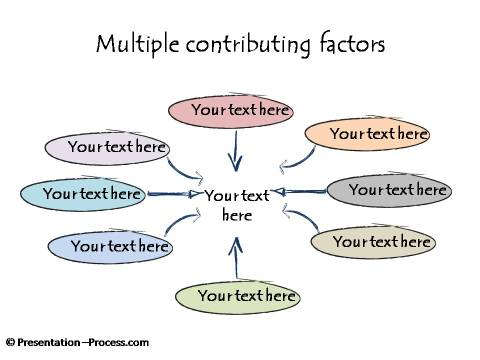
List of Contributing Factors
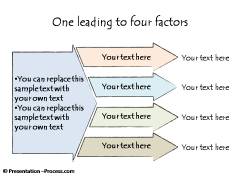
Converging Factors | Related Factors
 |
 |
List of Connected Items shown as Tags | Contributing Factors
 |
 |
3 Factors List
Related Tags Alternative to Bulleted List
| Related Sections |
|
|
|

|
|
|


About Agenda:
Agenda is a list of points that are to be followed, used for discussion and indicate the order of proceeding. An agenda is typically used at the start of a meeting to set expectations of the participants. Sometimes the time allocated for covering each point is also mentioned clearly.
In a presentation, an agenda plays another role as well. It tells the audience the order in which the presenter plans to present his ideas. It can be used as breadcrumbs or navigation tabs on slides to show audience where the presenter has reached so far.
This collection of agenda templates made in sketch style cover bother regular agenda templates as well as breadcrumbs. A combination of both can be used to make the presentation easier to follow. Adding navigation tabs has an additional advantage. It is created with hyperlinks for each section. When the presentation file is shared, the reader can jump to any particular section based on their interest.
An Agenda section can also be used to set learning objectives in a training or e-learning environment.
Setting a clear agenda can ensure that the presentation thought sequence flows smoothly.
About Bulleted and Numbered Lists:
Bullets in Presentations are small dots, dashes or other symbols which precede a short phrase or point. The standard jot points or bullet points are provided within PowerPoint software.
Instead of using the usual ‘boring’ built-in bullet points or numbered lists in PowerPoint, presenters can choose to use more creative options.
This collection provides a wide range of templates as an alternative to the usual bullets. Many of them build upon the interrelationships between the points. This makes the information more insightful.
Each point in the list should typically be short sentences or few words that capture the essence of the point. The presenter is expected to expand on the details rather than displaying at length on the slides.
About Hand Drawn Pack:
Editable hand drawn graphics, handwritten, pictographs, graphics, scribble, & sketch effect diagrams to make your presentations look different and interesting quickly.