
Home > All Tutorials > PowerPoint Tutorial 2007
In this PowerPoint Tutorial section, you will find the step-by-step process to generate creative effects with PowerPoint 2007. We have also included videos, so you can learn by reading the article or seeing these video tutorials. The tutorials cover special effects, shapes etc. you can use. They assume that basic PowerPoint skills in place.
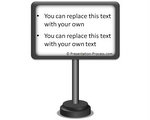 Creative Text Placeholder in PowerPoint – Bill board
Learn to create creative text placeholder in PowerPoint and spruce up your training and marketing slides. Follow this tutorial to create Bill board graphic in PowerPoint.
 Create Scroll Graphic in PowerPoint
Learn to create Scroll graphic in PowerPoint. Follow our step by step instructions to create this useful graphic to spruce up your business slides.
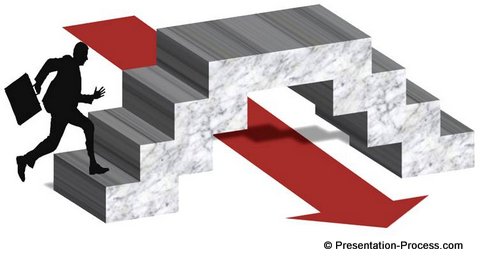
Create 3D Bridge in PowerPoint
Learn to create an amazing 3D bridge diagram in PowerPoint. Follow our simple step by step instruction to create this useful diagram for your concept based business presentations.
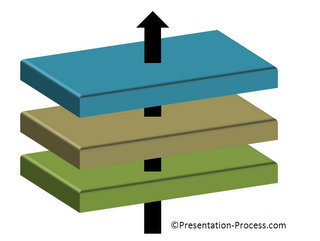 Interesting Layer Diagram in PowerPoint
Learn to create interesting 3D layered model in PowerPoint. Follow our simple step by step instruction to create this useful diagram for your business presentations.
 Amazing 3D PowerPoint Steps Diagram
Create amazing PowerPoint Steps in 3D. Follow our simple step by step instruction to create this useful diagram for your business presentations.
 NEW! Create stunning PowerPoint Badge easily
Create stunning PowerPoint Badge by following this simple step by step tutorial. Add flourish to your eLearning and Training slides with this useful design element.
 Create 3D Organization Chart in PowerPoint
Learn to create stunning 3D Organization chart in PowerPoint. Add visual interest to your business slide by following this simple step by step tutorial.
 Create Butterfly diagram in PowerPoint
Learn to create beautiful butterfly diagram in PowerPoint for your business presentations. Discover creative variations of the diagram to convey your message with impact.
 Creative Cluster Diagram in PowerPoint
Learn to create useful cluster diagram in PowerPoint. Discover creative variations of the diagram to convey your business message accurately and effectively.
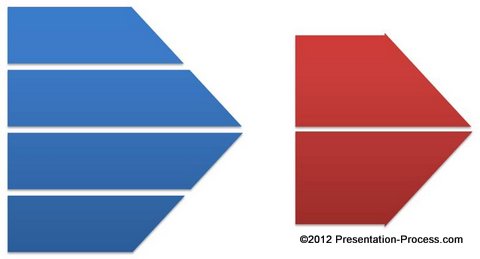 Create Segmented Arrow in PowerPoint
Learn to create useful split arrow in PowerPoint 2007. Follow this simple tutorial to create variations of this useful diagram for your business presentations.
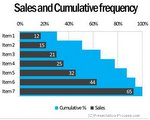 Formatting Tips for Bar chart in PowerPoint
Discover two useful formatting tips for bar chart in PowerPoint. Add more visual interest to your data slides and convey your message more effectively.
PPTX Tutorials in this Section
Create 3D Shapes |Simple Business Diagrams | Advanced Business Diagrams | Professional Effects | Using PowerPoint Features Effectively | Playing with shapes & Text & More..
| Tutorials to Create 3D Shapes |
3D Shapes Tutorials
|
|
3D Platform in PowerPoint |
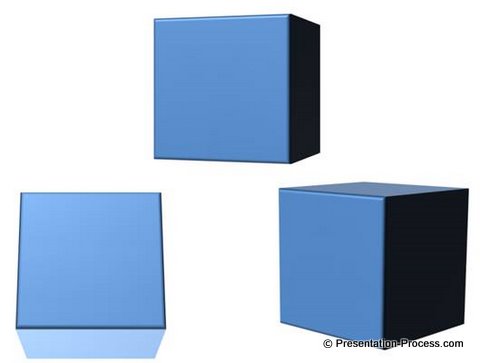 PowerPoint Cube Tutorial Learn to make PowerPoint 3D cube in seconds. Change the perspective to suit your design needs. |
|
|
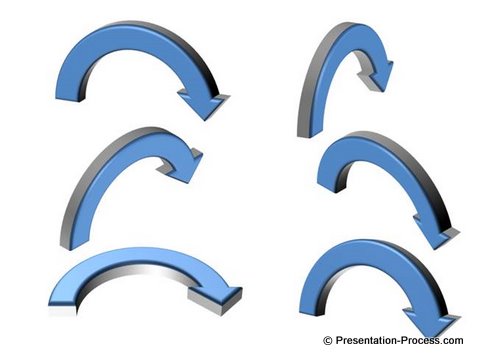
3D PowerPoint Arrows |
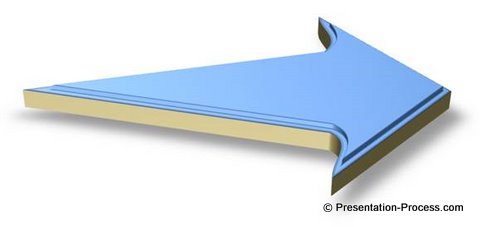 Cool 3D PowerPoint Arrow This is a custom shaped arrow to help you make a professional impression in your business presentations |

Creative Shape Ideas
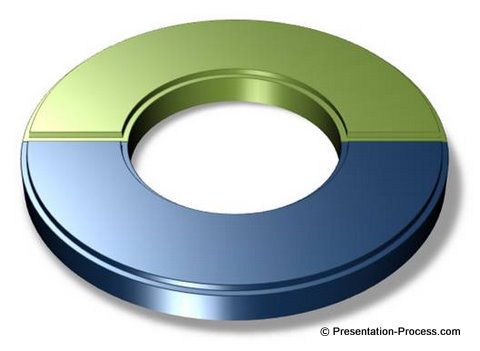 Creative Circle Diagram Creative Circle Diagram Represent Pros and Cons, 2 sides of an issues, 2 related ideas and more with this simple to create diagram. |
PowerPoint Cone |
 Beveled 3D Star Shape Create this amazing star in a few steps with this step-by-step tutorial. Looks like Photoshop, doesn’t it? |
|
|
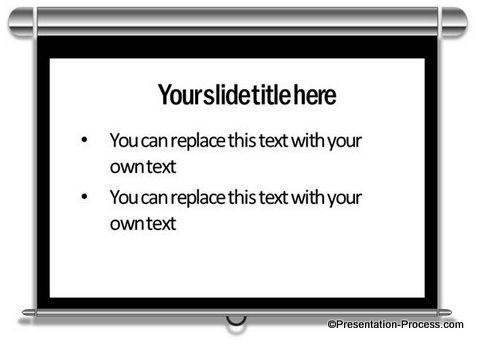
Projector Screen Image |
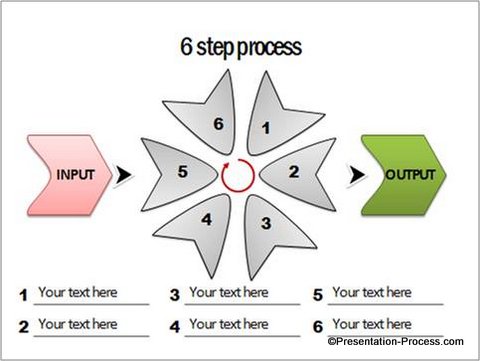 PowerPoint Idea Here are some creative PowerPoint ideas using Freeform tool. Learn to create a whole new range of auto shapes using this rarely used feature of PowerPoint. |
 3D PowerPoint Graphic: Cupboard 3D PowerPoint Graphic: Cupboard
Follow this simple step by step tutorial to create your own 3D Graphic of Cupboard in PowerPoint. Use it to represent business concepts like – sorting out ideas. |
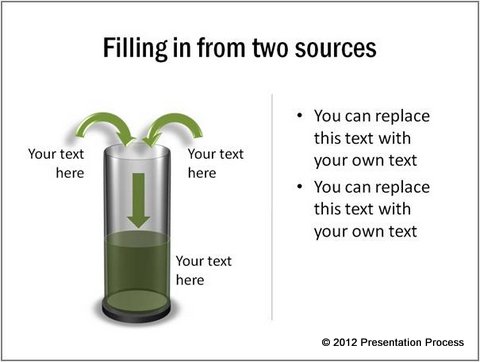
Transparent PowerPoint Cylinder Create Transparent PowerPoint Cylinder diagram easily. Follow our step by step PowerPoint Tutorial to create this useful diagram. |

Hand Drawn PowerPoint Diagrams Create Hand drawn diagrams easily with PowerPoint. Follow our simple instructions to learn the secret behind creating hand drawn effect in PowerPoint. |
| Play with Text in PowerPoint |
|
|

Stitched Fabric Effect |
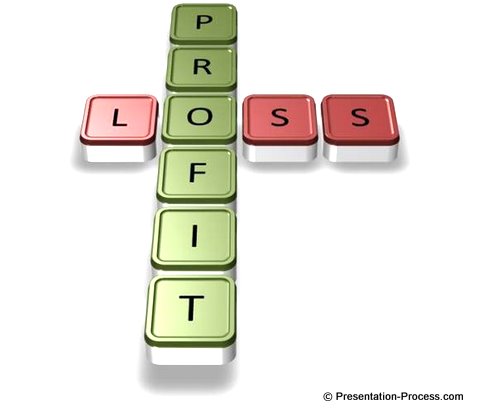 Stunning Crossword Text Stunning Crossword TextThis tutorial helps you create your own crossword text effect easily. No need to use any unsuitable clipart. |

| Create Diagrams for Business |
PowerPoint provides the ability to create a range of charts and diagrams for business use. In this section you will find step by step instructions to create such charts and diagrams. You can play with what you learn to create your own diagrams in the future.
These are advanced PowerPoint 2007 tutorials that assume you have basic PowerPoint skills.
Stunning Diagrams with PowerPoint
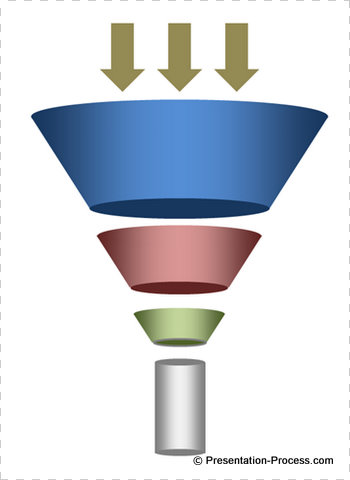
Create Funnel Diagram |
3D Target in PowerPoint |
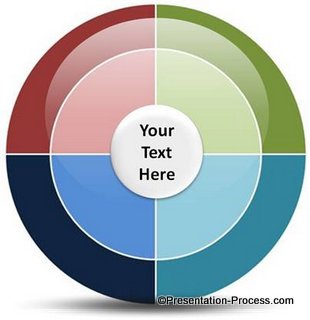 Stunning Wheel Diagram Stunning Wheel DiagramThis awesome diagram is great to represent Hub and Spoke Relationships in your presentations. |
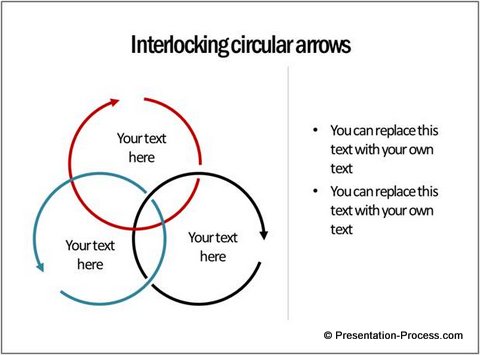
Interesting Circular Arrow Alternatives Discover new and interesting ways to use circular arrow diagram in your business presentations. See the concepts you can communicate using this simple diagram. |
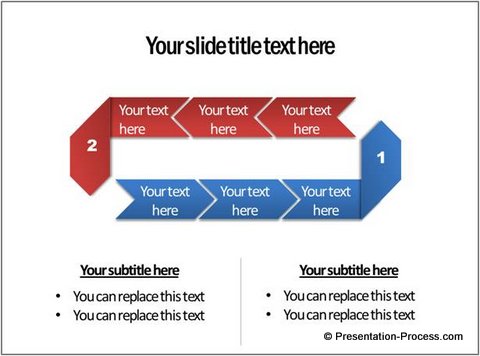
Stunning Circular Flow Diagram Easily Creating stunning circular flow diagram need not be difficult. Discover an easy way to create this useful diagram. |
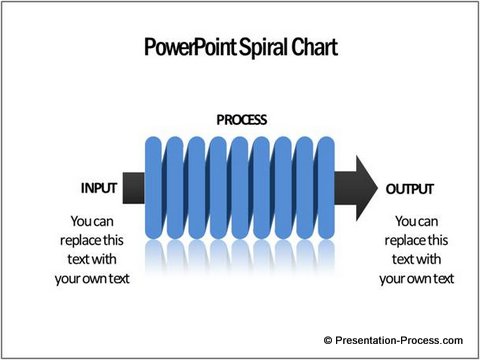
Create Eye-Catching Spiral Chart Easily Creating a stunning Spiral Chart in PowerPoint need not be difficult. Discover an easy way to create this useful diagram by following our step by step instructions. |
|
|
Play with Shapes |
 Easy PowerPoint Pillar A useful diagram to represent strategy, and consulting ideas in your presentations. |
|
Create 5 amazing icons for PowerPoint under 5 seconds each. Discover the power of combining simple auto shapes to create stunning icons for your business presentations. |
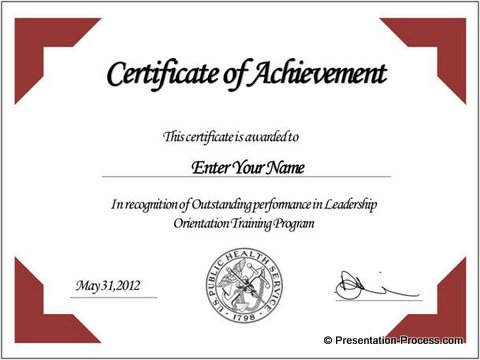
Create a PowerPoint certificate template easily. Follow our step by step instructions to create your own variations. |
Create the handy sliding buttons in PowerPoint. Discover amazing uses of this simple diagram in your business presentations. |

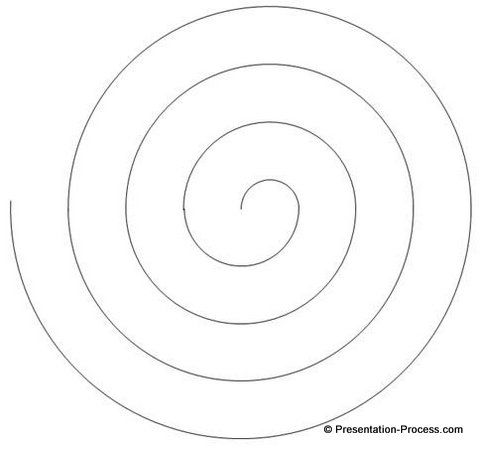
Spiral Model Tutorial in PowerPoint Create Spiral Model in PowerPoint easily. Follow our step by step instruction to draw this useful diagram accurately and quickly.
|
Trick to use Shape Subtract in PowerPoint 2007 You can do subtract shapes in PowerPoint 2007 too. Discover a simple workaround that helps you subtract shapes from an area, like you do in PowerPoint 2010.
|
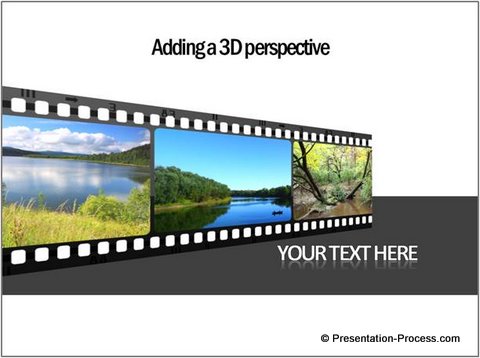
PowerPoint Timeline Template using Filmstrip PowerPoint timeline template need not be boring. Follow our simple step by step instruction to create a cool Filmstrip timeline template in minutes.
|

|
Discover a shortcut to draw a PowerPoint circle diagram with segments. Save time and get a professional looking diagram with this surprisingly simple method. |
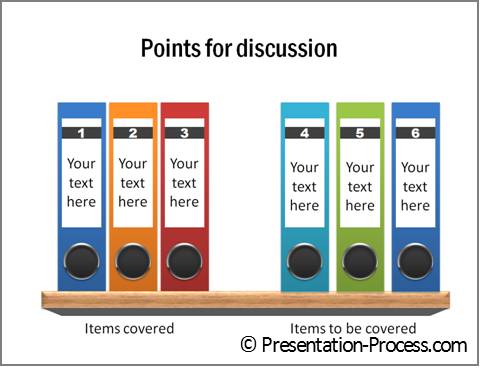
Creative PowerPoint Agenda with Folders Here is a simple but creative PowerPoint agenda idea. Use the tutorial to create colored folders on a wooden base in your e-learning projects or business presentations. |
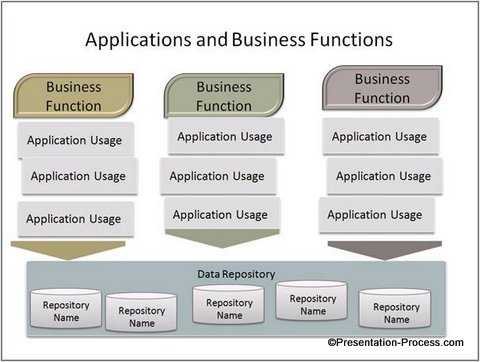
3 Interesting Ways to Use PowerPoint Align Discover the power of PowerPoint Align function to create professional diagrams with ease. Here are 3 interesting ways in which this feature can be used to create business diagrams. |


Discover a simple way to draw elegant PowerPoint calendar in 3 steps. Follow our step by step instructions to create this useful diagram template. |
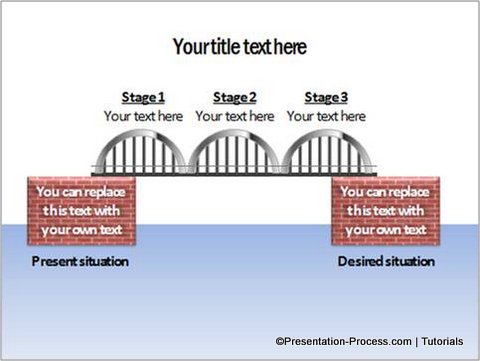 PowerPoint Bridge PowerPoint Bridge
Create an attractive PowerPoint Bridge diagram to represent your business concepts in a creative and engaging way. Read the PowerPoint tutorial for details. |
 PowerPoint Blackboard Create a custom PowerPoint Blackboard as a text placeholder. Follow our simple step by step instruction to create this useful diagram template. |
Bar Charts & Pie Charts
|
|
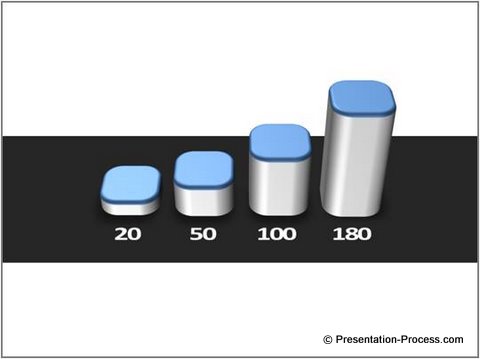
3D Column Chart |
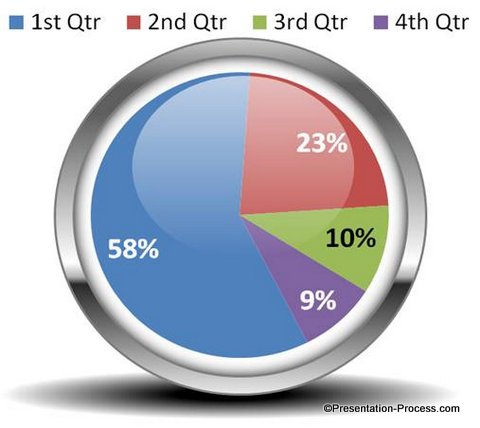 Designer Pie chart Designer Pie chartSpice up your charts with this simple and remarkable technique. See examples of other charts too. |
Engaging Business Concept Diagrams
|
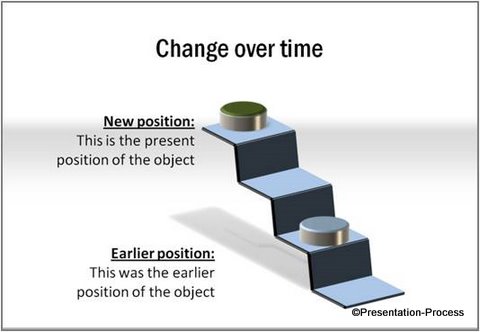
3D Stairs Diagram |
Magnifying Glass Tutorial |
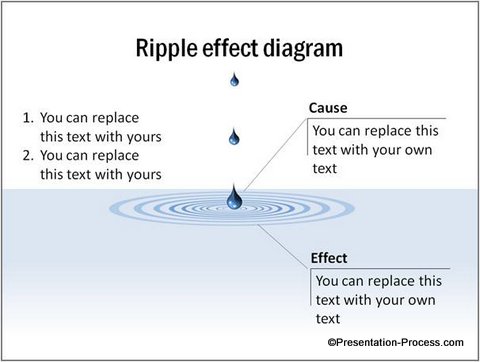 Ripple Effect Tutorial Ripple Effect TutorialThis simple diagram can grab your audience attention, while helping you convey your message with ease. |
|
Icons in PowerPoint |

3D Dollar Signs Tutorial |
|

Using Features Effectively
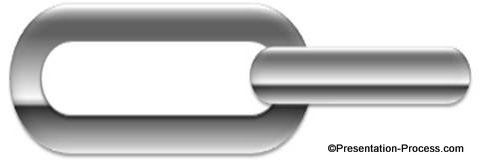 Metallic PowerPoint Chain Metallic PowerPoint ChainThis is a very useful diagram to represent many business concepts. Learn how to create it here. |
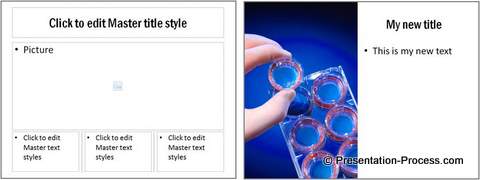 Own Slide Master Take control of the way your slides are designed, by creating your own slide master in PowerPoint 2007. |
|
 Cardboard Box Finish Cardboard Box Finish
It is hard to believe that it is created in PowerPoint. Isn’t it? See the tutorial to learn the simple method. |
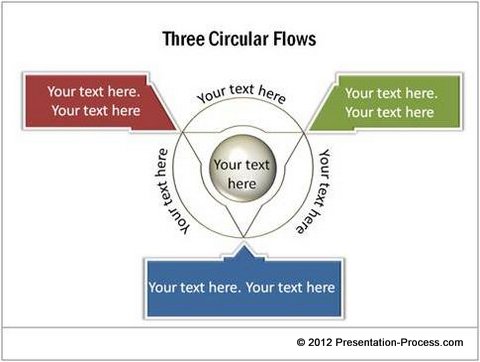
Learn to create curved PowerPoint text. Discover ways you can use the idea to add value to your presentations. |
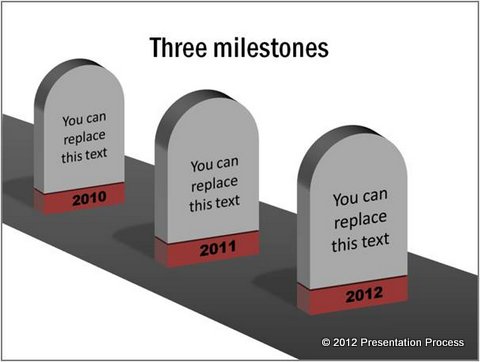
Create Roadmap with 3D Milestones Follow our simple step by step instructions to create the useful diagram template from the scratch. |
Tutorials for Visual Metaphors
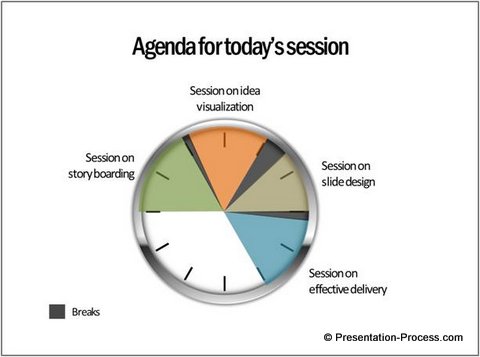
Visual Presentation Idea: Clock Diagram Discover the uses of a simple clock face diagram in conveying your business ideas. |
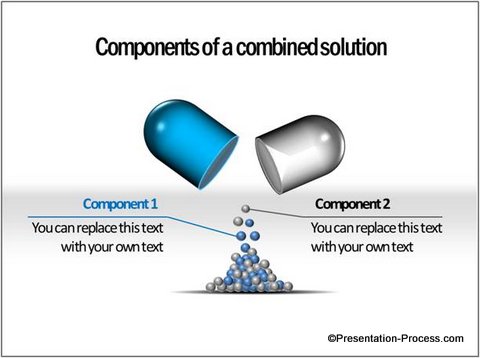 Visual Idea: Theme of 3D Pill Visual Idea: Theme of 3D Pill
Use a recurring theme with a pill diagram to establish connection between various slides in your presentations. |
Discover the amazing uses of a simple signal diagram in business presentations. |
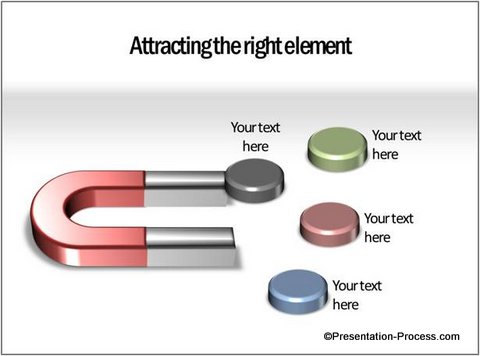
Visual Presentation Idea: Magnet Use magnet as a visual metaphor. See the amazing conceptual uses of a simple horse shoe magnet diagram. |
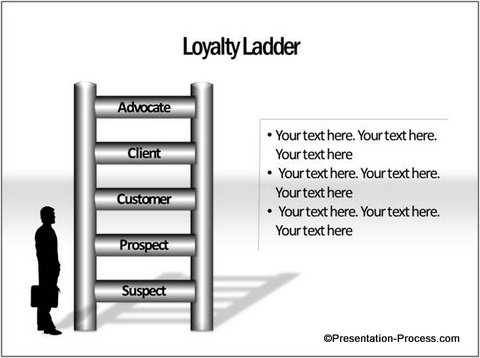
Discover how a simple ladder diagram can help you convey a wide variety of business concepts in your presentations. |
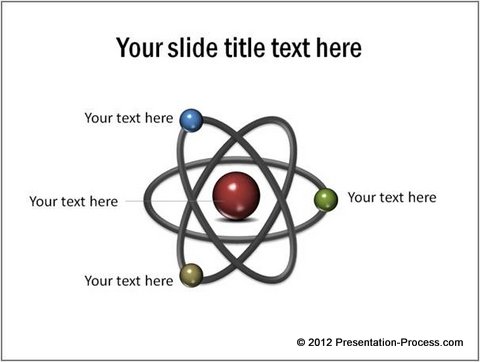
Follow our simple step by step instruction to create a useful galaxy diagram that you can use as a visual metaphor. |
Tips on Using PowerPoint Features
Using Screenshots Effectively in Presentations
Create PowerPoint Handouts in MS Word
Printing PowerPoint in the Right Format
Replace Fonts in Your Entire PowerPoint File easily
Top 2 Tips for PowerPoint to Save Time
PowerPoint in its newer versions – 2007 onwards – provides amazing flexibility in creating shapes, adding gradients and creating stunningly professional visuals.
It is like having the power of Adobe Photoshop, CorelDraw, Adobe illustrator all in your hands, without ever having to learn the software. Its that easy and that impressive, if you just know how.
Return to Main PowerPoint 2010 2007 Tutorials Page for more